Windows 12 Wishlist Fixing Windows 11 Problems
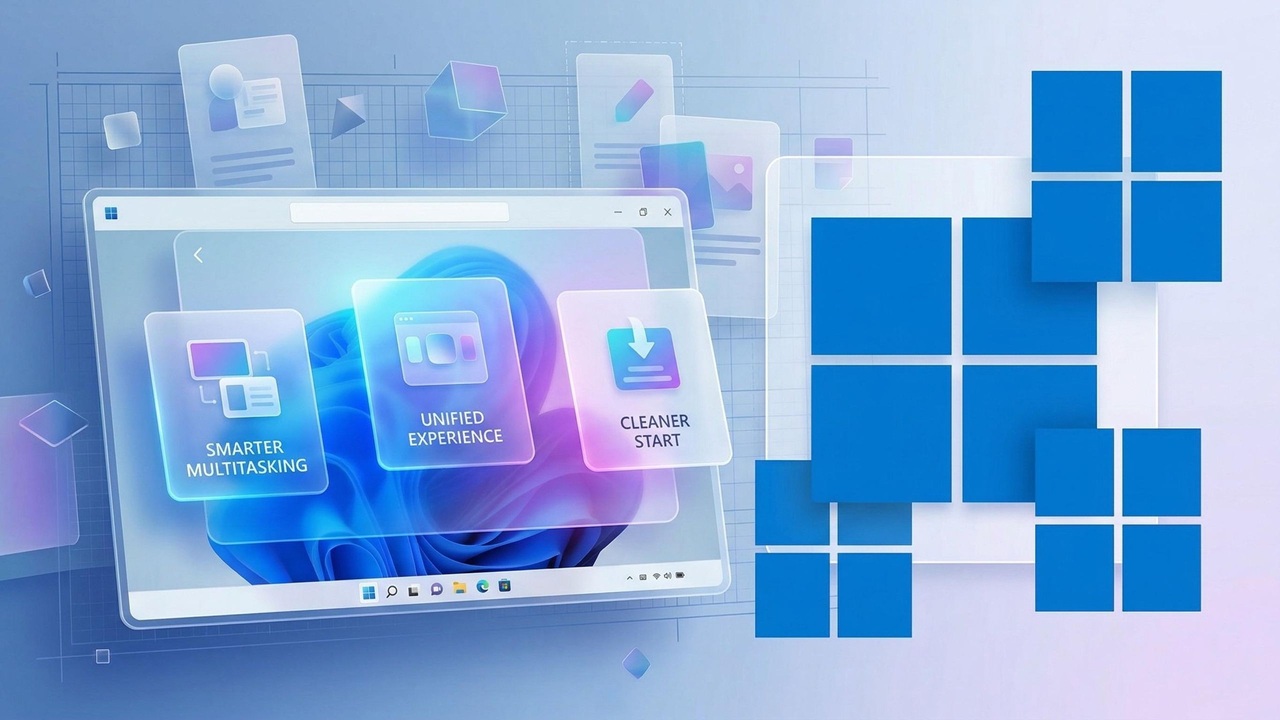
Windows 11 brought a fresh design, a centered taskbar, and deeper integration with modern hardware. At first glance, it felt like a clean step forward. But as more users spent time with it, the cracks started to show. Small frustrations began to add up. What should have been a smoother, smarter experience often turned into unnecessary clicks, missing features, and confusing settings.
If you spend even a few minutes browsing forums, Reddit threads, or tech communities, one thing becomes clear. People do not hate Windows 11. They just expect more from it.
That expectation is now shaping what many hope to see in Windows 12. This is not just about adding flashy features or AI tools. It is about fixing what already exists and making Windows feel reliable, fast, and user friendly again.
This article breaks down the most common pain points in Windows 11 and the realistic wishlist users are building for Windows 12.
The Real Problem with Windows 11
Windows 11 is not broken. It works fine for most people. But it often feels unfinished.
Many users describe the experience as inconsistent. Some parts look modern, while others still feel like they belong to Windows 7 or even older versions. Settings are scattered. Performance varies depending on hardware. And certain design choices seem to prioritize style over usability.
The biggest frustration is simple. People feel like they lost control.
In earlier versions of Windows, users had more freedom to customize their system. Windows 11, in comparison, feels more locked down. That shift has not gone unnoticed.
1. A Faster and More Consistent User Interface
One of the most common complaints is the inconsistent design across the system.
You might open Settings and see a clean, modern layout. Then open Control Panel and feel like you stepped back in time. Even simple actions like right clicking can lead to different menu styles depending on the context.
Users want Windows 12 to fix this once and for all.
The expectation is not just a visual refresh but a complete design unification. Every menu, dialog box, and setting should follow the same design language. No more switching between old and new interfaces.
Speed is just as important. Animations in Windows 11 sometimes feel sluggish, especially on mid range devices. People want smoother transitions without sacrificing performance.
A good operating system should feel invisible. Right now, Windows 11 often reminds you that it is still catching up with itself.
2. A Better Start Menu Experience
The Start menu has always been at the heart of Windows. In Windows 11, it became more minimal but also less useful for many users.
The removal of live tiles disappointed those who relied on quick information like weather or calendar updates. The pinned apps layout feels limited, and the recommendation section often shows files or apps that users do not need.
For Windows 12, the wishlist is clear.
Users want more control. They want the ability to resize the Start menu, organize apps more freely, and remove unnecessary recommendations entirely. Some even want an option to bring back live tiles or at least widgets inside the Start menu itself.
The Start menu should adapt to how people use their computers, not force everyone into the same layout.
3. Taskbar Flexibility Must Return
The taskbar in Windows 11 is one of the most controversial changes.
You cannot move it to the top or sides of the screen. Drag and drop behavior was removed at launch and only partially restored later. Toolbars are gone. Even simple customization options are limited.
For power users, this feels like a step backward.
The Windows 12 wishlist includes full taskbar customization. People want to place it wherever they like, adjust its size, and bring back advanced features like toolbars and detailed system tray controls.
It is not about nostalgia. It is about productivity. Different users have different workflows, and the taskbar should support that flexibility.
4. File Explorer Needs a Real Upgrade
File Explorer is one of the most used tools in Windows, yet it still feels outdated in many ways.
While Windows 11 introduced tabs, which were a welcome addition, performance issues and bugs remain. Slow loading times, occasional crashes, and inconsistent behavior can interrupt even simple tasks.
Users want File Explorer in Windows 12 to be faster, more stable, and smarter.
Search functionality needs a major improvement. Finding files should be instant and accurate. Integration with cloud services should feel seamless, not forced.
There is also demand for better file preview options, more customization, and improved handling of large folders.
A modern operating system needs a modern file manager. Right now, File Explorer is only halfway there.
5. Privacy Controls That Actually Feel Transparent
Privacy has become a major concern for users across the world.
Windows 11 includes several privacy settings, but many people find them confusing or difficult to manage. It is not always clear what data is being collected or how it is used.
For Windows 12, users want simplicity and transparency.
A single dashboard that clearly shows all data collection settings would make a huge difference. Easy toggles, clear explanations, and real control over permissions should be the standard.
People do not want to dig through multiple menus just to turn off tracking features. They want to feel confident that their system respects their choices.
6. Performance Improvements Across All Devices
Performance in Windows 11 can be inconsistent.
High end systems usually run it smoothly, but older or mid range devices often struggle with slow startup times, laggy animations, and background processes consuming too many resources.
Users expect Windows 12 to be more efficient.
Better memory management, reduced background activity, and faster boot times are high on the wishlist. The system should adapt to the hardware it runs on, providing a smooth experience whether you are using a budget laptop or a powerful desktop.
Performance should not depend on constant updates or tweaks. It should be built into the core of the operating system.
7. Fewer Bugs and More Stability
This might sound obvious, but it is one of the most important points.
Windows 11 has improved over time, but bugs still appear more often than users would like. Updates sometimes introduce new issues while fixing old ones.
For Windows 12, the expectation is simple.
Quality over speed.
Users would rather wait longer for updates if it means fewer problems. A more stable release cycle, better testing, and fewer unexpected changes would go a long way in rebuilding trust.
An operating system should feel reliable. Right now, that reliability is not always guaranteed.
8. Smarter AI Integration Without Overdoing It
Artificial intelligence is becoming a big part of modern software, and Windows is no exception.
However, users are cautious. They do not want AI features that feel forced or unnecessary.
The wishlist for Windows 12 focuses on practical use cases.
AI should help with search, automate repetitive tasks, and improve system performance. It should not clutter the interface or replace basic functionality.
For example, a smarter search that understands context could save time. AI driven system optimization could improve performance without manual tweaks.
The key is balance. AI should enhance the experience, not complicate it.
9. Better Update Control
Windows updates have always been a pain point.
In Windows 11, updates are more streamlined, but they can still interrupt work or install at inconvenient times. Restart prompts and forced updates remain frustrating.
Users want more control in Windows 12.
They want to decide when updates happen, how they are installed, and what changes are applied. Clear information about each update would also help users understand what is happening to their system.
Updates should feel like improvements, not interruptions.
10. Improved Compatibility and Fewer Restrictions
Windows 11 introduced stricter hardware requirements, which left many users unable to upgrade.
While these requirements were meant to improve security and performance, they also created frustration.
For Windows 12, users hope for a more balanced approach.
Better compatibility with older hardware, clearer upgrade paths, and fewer unnecessary restrictions would make the transition smoother.
Not everyone upgrades their device every few years. The operating system should respect that reality.
11. Customization That Feels Personal Again
Customization is one of the reasons people love Windows.
In recent years, that flexibility has been reduced. Themes, icons, and system level changes are more limited than before.
Users want Windows 12 Iso Download to bring back that sense of personalization.
More theme options, deeper control over the interface, and support for third party customization tools are all part of the wishlist.
A computer is a personal device. It should feel like yours.
12. A Cleaner, Less Cluttered Experience
Another common complaint is system clutter.
Preinstalled apps, unnecessary features, and promotional content can make the system feel busy and distracting.
For Windows 12, users want a cleaner experience.
Fewer default apps, easier removal of unwanted software, and a more focused interface would improve usability. People want to install what they need, not spend time removing what they do not.
The Bigger Picture: What Users Really Want
When you look at all these requests together, a pattern emerges.
Users are not asking for a complete reinvention of Windows. They are asking for refinement.
They want a system that is fast, consistent, and reliable. They want control over their experience. They want features that solve real problems instead of adding complexity.
Windows 11 laid the foundation, but it feels like a work in progress. Windows 12 has the opportunity to build on that foundation and finally deliver the experience users have been waiting for.
Final Thoughts
The conversation around Windows 12 is not just about new features. It is about trust.
People rely on their computers every day for work, learning, and entertainment. When something does not work as expected, it is more than a minor inconvenience.
Microsoft has a clear opportunity here. By listening to the community and addressing these pain points, they can turn Windows 12 into a version that feels complete from day one.
The wishlist is already out there. Now it is a matter of how much of it becomes reality.
If Windows 12 can fix even half of these issues, it will not just be an upgrade. It will be a reset in how people feel about Windows again.

With years of experience in technology and software, John leads our content strategy, ensuring high-quality and informative articles about Windows, system optimization, and software updates.








Post Comment
You must be logged in to post a comment.